Open Editor (Free)

Create Pixel Art and Pro-Level Animations in the Browser

Forget heavy and expensive software. PixelPad Pro is a complete digital art studio equipped with layers, onion skinning, selection tools, and high-quality exports. Entirely offline and secure.

palette Start Drawing
✓ No Installation    ✓ Export PNG, GIF & WebM    ✓ 100% Free
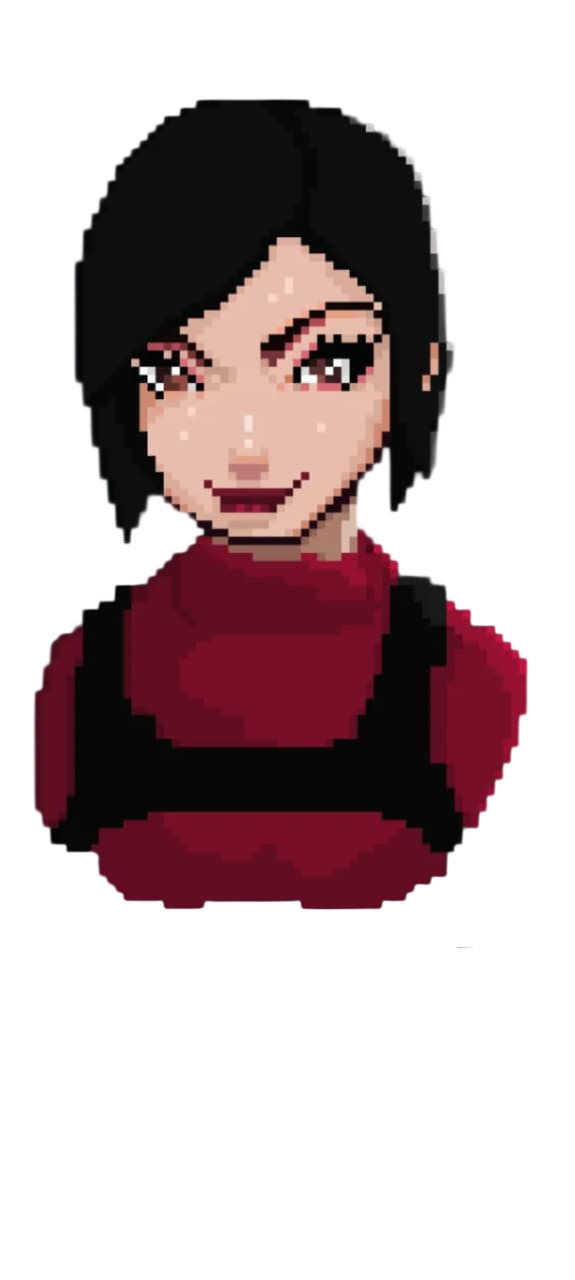
Ada Wong from Resident Evil in 8-bit pixel art style, created by the author
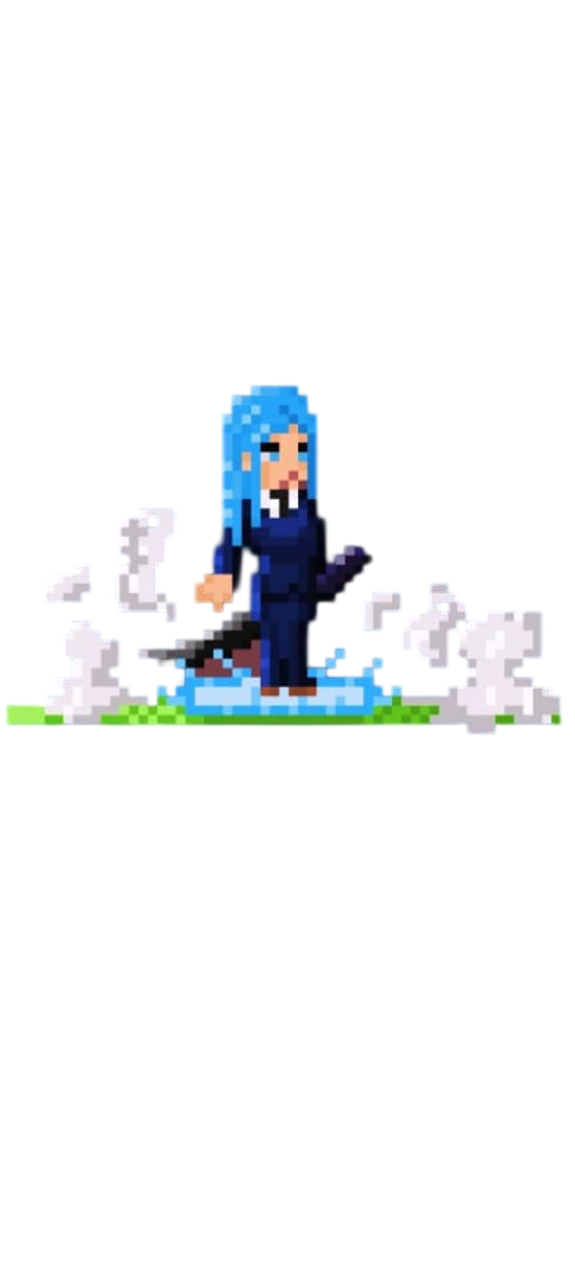
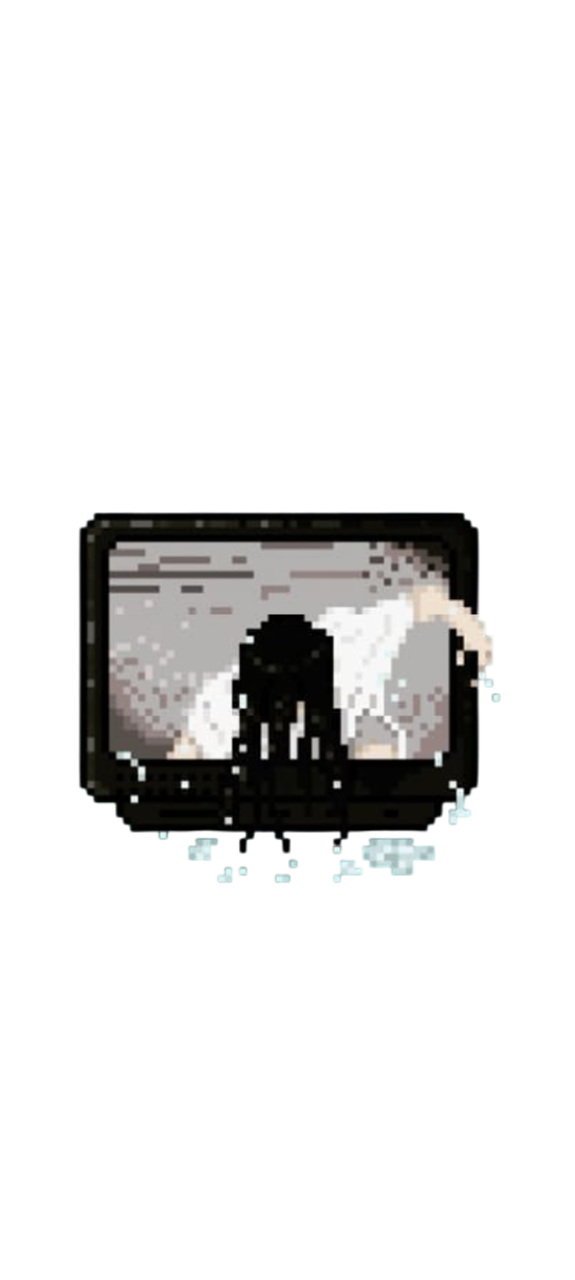
Samara character in pixel art style Anime girl drawn in pixel art Jujutsu Kaisen character in pixel art sprite
layers

Multiple Layers

Organize your art effortlessly. Create, duplicate, merge, adjust opacity, and reorder layers using our fluid Drag & Drop system.

animation

Timeline & Onion Skin

Animate your sprites! Add frames, toggle Onion Skin to guide your next move, and control Frames Per Second (FPS) in real-time.

screen_record

Timelapse Recorder

Automatically record every stroke of your drawing. In the end, export your creation as a high-quality video or a Speedpaint GIF.

gesture

Selection & Freehand Lasso

The Lasso and Selection tools allow you to cut, float, and move specific elements of your drawing (using Shift+T) to stamp them wherever you want.

photo_library

Reference Window

Load images from your computer into an exclusive floating window. You can zoom in with the mouse scroll and move it freely.

auto_awesome

Pixel Perfect Algorithm

Draw flawless 1-pixel thick lines continuously and naturally, without worrying about overlapping corners or "L-shapes".

The Ultimate Guide to Editing and Features

Whether you're an indie game developer or a digital artist focused on retro aesthetics, finding the right tool is essential. PixelPad Pro brings the power of desktop software directly to your browser, with no slowdowns or account requirements.

Hybrid Export (Sprite Sheets)

To export your animation's final project, our system perfectly combines your frames and layers into a horizontal Sprite Sheet (PNG) with a transparent background, which is the industry-standard format ideal for importing into Unity, Godot, or GameMaker Studio.

keyboard Official Shortcuts Table

Pencil B
Eraser E
Paint Bucket F
Eyedropper I
Geometric Shapes U
Square Selection M
Free Selection (Lasso) L
Move Selection V
Free Transform Shift + T
Clear Selection Ctrl + D
Confirm Move/Paste Enter
Show Grid G
Pan Canvas Hold Space
Undo Ctrl + Z
Redo Ctrl + Y
Copy Selection Ctrl + C
Paste Selection Ctrl + V

help Frequently Asked Questions (FAQ)

Is PixelPad Pro a completely free online pixel art editor?
Yes! PixelPad Pro is 100% free. You don't need to download or install any software. The entire creation and animation process happens directly in your web browser, with no account required.
How do I create and export a Sprite Sheet for my game?
Just draw the frames of your animation on the bottom timeline. When you're done, click the "Export" button and choose "Sprite Sheet (PNG)". The tool will place all your frames side by side in a single image with a transparent background.
Are my pixel art drawings saved if I close the browser tab?
Yes. We use your browser's LocalStorage technology. This means your project (and layer history) is automatically saved in your machine's memory. If you close the page by accident, your drawing will be intact when you open it again.
Can I use the art generated here for commercial purposes?
Absolutely. Our tool is just the intermediary. You hold 100% of the copyrights to any art or animation generated through our platform, and you can sell them or use them in monetized games.